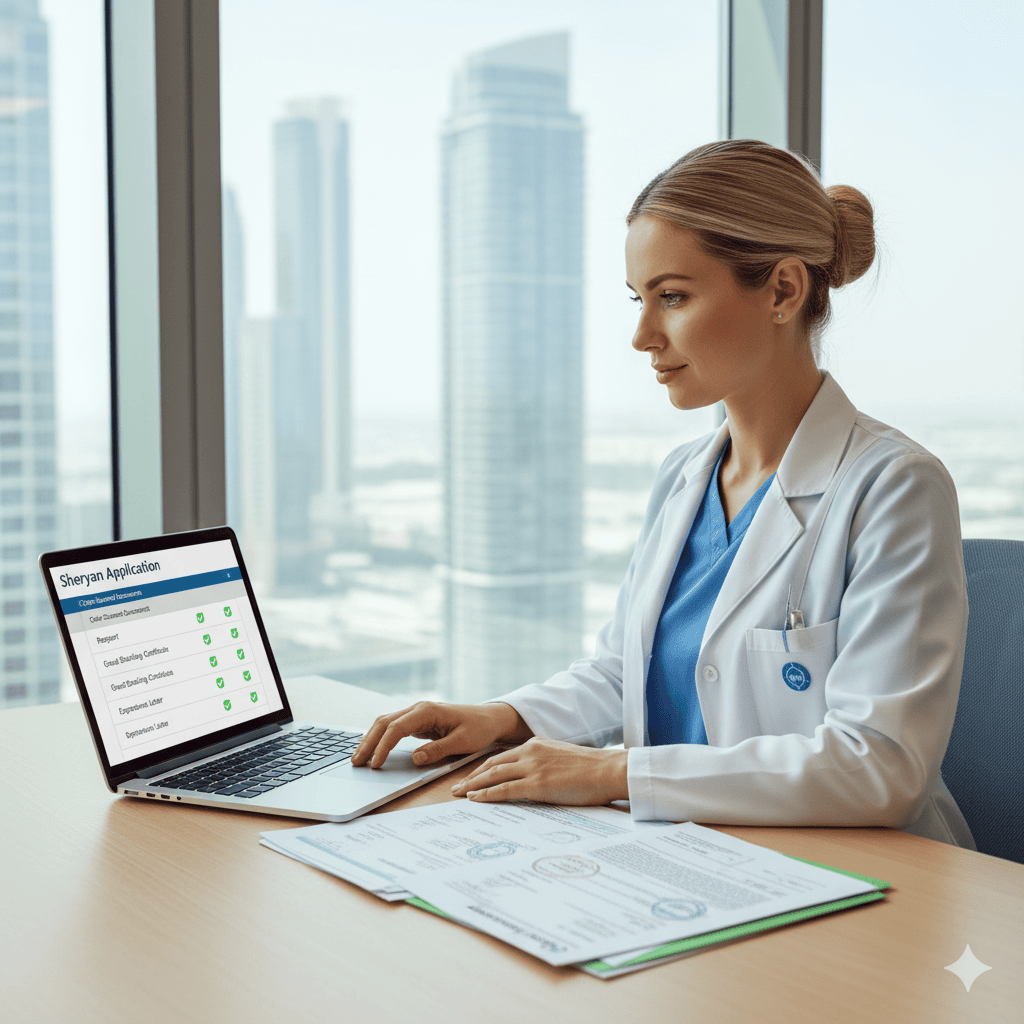
Why Sheryan sequencing matters
In Dubai, your real start date depends on three aligned pieces: licence, insurance, and privileges. Sheryan is where the first piece moves. Files stall on name mismatches, weak scans, or legalisation done after translation. Fix the pack; the timeline shortens.
Prepare once, use everywhere (scan in colour, 300–400 dpi)
Passport (bio page) — passport-exact name with all middle names.
Degree + transcript — legalised → then translated (one PDF).
Current licence/registration + Good Standing/CCPS (inside validity).
Employment letters (headed paper, full dates, duties, setting).
Photo (neutral background), CV, life-support cards (BLS/ACLS/PALS/ATLS as relevant).
English evidence if required (OET/IELTS) as a separate PDF.
- If names ever changed: linking document (marriage/name-change).File naming:
Surname_Name_[DocType]_YYYYMM.pdf.
The clean Sheryan sequence (copy/paste)
1) Create account
Use your passport-exact name and the same email/phone you’ll use across portals.
Add a UAE mobile once active to avoid missing OTPs.
2) Profile & eligibility application
Enter education, licences, employment; upload colour PDFs.
Pay the eligibility/DataFlow request fee in Sheryan.
3) DataFlow / Primary Source Verification (PSV)
Complete the categories requested (education, licence, employment).
Upload one PDF per item (Original → Legalisation/Apostille → Sworn translation).
Keep the DataFlow Case ID and receipt; diary a check at +7/+14 days.
4) Exam step (where applicable)
Once eligibility shows approved/eligible, book Prometric if required for your role/grade.
Prepare with the regulator’s blueprint; carry passport on exam day.
5) Eligibility outcome → licence issuance
After Positive DataFlow (or “Verified”), upload any remaining evidence (e.g., Good Standing within window).
Pay DHA licence fee; download the approval letter.
6) Employer linking & activation
Your Dubai facility links your file in Sheryan and submits activation with: malpractice insurance, medical fitness, residency/Emirates ID, and privilege request to the hospital/clinic committee.
You cannot practise independently until licence + insurance + privileges are all active.
Common pitfalls—and calm fixes
Translated before legalised → redo translation after legalisation; replace the PDF.
Name mismatch across CV, degrees and licence → update sources to passport-exact; include the linking document.
Low-res scans → rescan in colour at 300–400 dpi; seals and QR codes must be readable at 100% zoom.
Old Good Standing → reorder; many pathways expect ≤90 days freshness (signals, not promises).
Wrong upload bucket → move the file to the exact category and leave a short reviewer note.
Timelines (signals, not promises)
Profile + uploads: 1–2 days if documents are ready.
DataFlow verification: varies by issuer—monitor weekly; respond to any Verification Insufficiency fast.
Exam window: depends on centres; book early in busy seasons.
Activation: employer pace + medical fitness + insurance + privileges.
Checklists to keep beside you
Daily 5-minute portal check
DataFlow status moved?
Any new “insufficiency” requests?
All files named cleanly and in the right buckets?
Employer-linking pack (you send to HR/PRO)
Passport + residency/Emirates ID (digital copy)
Malpractice schedule (policy type, limits, settings: hospital/clinic/home/hotel/yacht if relevant)
Life-support cards (in date)
Privilege request: core now, advanced with proctoring plan
FAQs
Red flags from reviewers
Photos of documents instead of scans; cropped stamps; mixed PDFs with multiple documents; CV job dates not matching employer letters; incorrect category selection for uploads.